What’s your company’s signature product ?
Are you in the product business, or in the people business ? Who are you serving, day in day out ?

What’s your company’s signature product ?
Are you in the product business, or in the people business ? Who are you serving, day in day out ?

Good software, like wine, takes time.
But of course, other than time good software also takes lots of proper testing. Therefore I always puzzle why companies spend so little resources in professional testing, and then rely on business users (or even customers) to do casual / incomplete testing.
If you’re going to roll out a product, be sure to involve good software testers … as they are the unsung heros of the software development lifecycle.

Tom Peters’ talk was great.
His autographed book was wonderful.
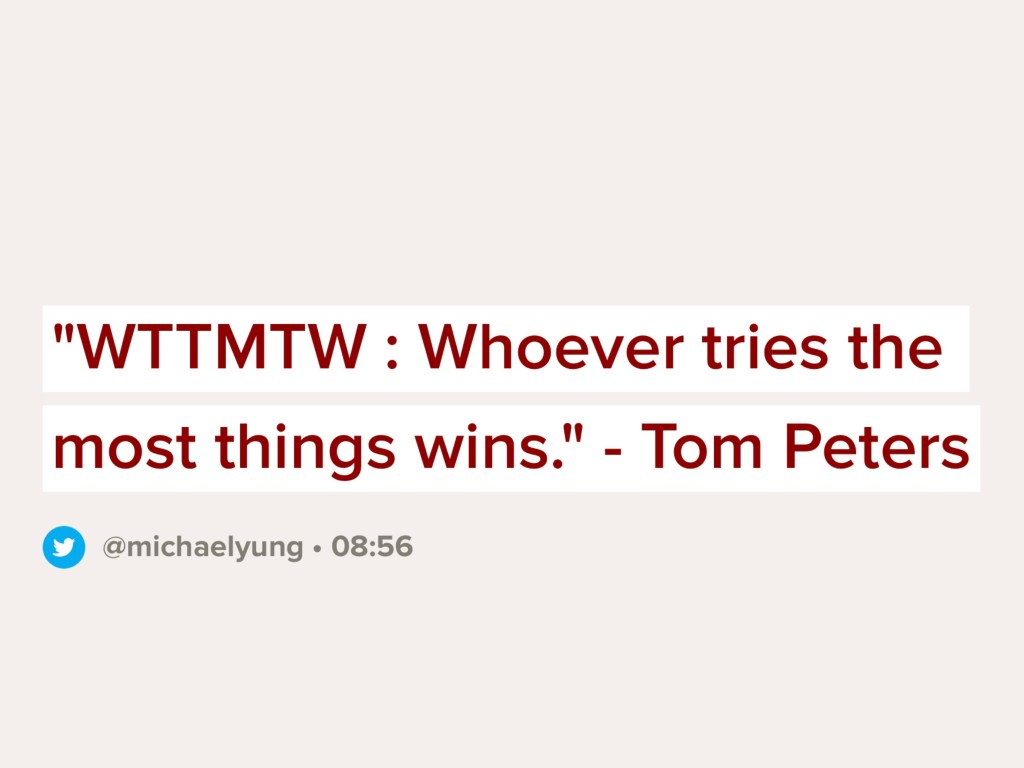
The best of all was this quote however.
“WTTMTW” – Whoever tries the most things wins.
Every now and then, I asked myself “Have I tried something new lately ?”
What’s your favorite question to yourself ?

One of the differences between a delivery team and a product team is …
The delivery team care about how to deliver the solution on time, within budget and align with the specification.
On the other hand, the product team care most about the customers’ problem, and whether the solution can help the customers to address the problem.
Both are important, but not the same. What’s your take ?

I have been a fan of Kindle eBook reader for over 12 years, and believe it or not, I waited for one simple feature for 12 years. That is – display the book cover of the book I am reading, in the Kindle lock screen instead of random images or advertisements. Following is my Kindle Oasis with the current book I am reading (with the Display Cover option turned on) – “Think Again” by Adam Grant.


Here are the steps to enable that feature, with tips on how to make it work for an “Ad-supported” / “Special Offer edition” Kindle. (Ad-supported Kindle costs US$20 less, but you will see Amazon special offers and advertisements in the lock screen)
The steps, in summary:
All the 5 steps, with a little bit more details. The first step, upgrade the Kindle firmware.
The second step is the tricky part, to remove the “Ad-supported” feature.


Now the last few steps are easy. And here is screen for step 4 … Turn on the Display Cover option (top of the screen).

That’s a wrap and hope you will find it useful. More importantly, have this feature turn on and enjoy the book covers !!