The new Olympus OM-D E-M5

It’s hard to tell why I need yet another new camera, especially the E-P3 (released just one year ago) is working perfectly along with the E-5, XZ-1.

Olympus OM-D EM-5

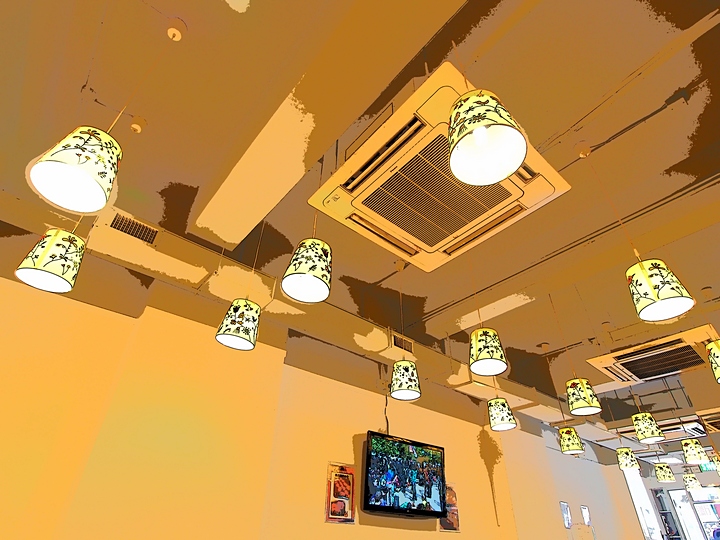
But I always want to own a vintage Olympus OM camera, so the new designed dust / splash proof body with fast AF, 5-Axis in-body IS, high-speed shooting, tilting monitor and built-in electronic viewfinder is really attractive. Anyway, I bought the OM-D E-M5 body (without the new kit lens), and gave it a try last weekend. Not to test the new AF, IS, but … the new Key-line art filter.

It’s actually very addictive.

Don’t ever let those memories fade

It’s hard to take good photos in a rainy day, especially you don’t have those splash-proof cameras. But there are times that you won’t have another chance to visit the same place again (or not in a short period of time), so you have to do something – don’t ever let those memories fade.

Of course, one solution is to get one of those dust-proof, splash-proof cameras (like the latest Olympus E-M5), but still there is no decent weather and therefore your photos will probably look flat, moody and in worst case, off white-balance.

I have no bullet-proof solutions on the latter problem, but one of the approaches is to take photos in Black & White (again !!). Here are some photos (with Olympus E-P3) from Taipei in a heavy-raining weekend.

From Kindle 2 to Kindle Touch (Kindle 4)

I seldom upgrade my gears even the gears’ new version / generation are released, instead I always skip one generation between each upgrade. That applies to my M4/3 cameras, iPhone, iPad and of course the Kindle as well. My previous Kindle is a white color Kindle 2, and I skipped the very good Kindle 3 (now the Kindle Keyboard) but waited for the Kindle Touch. So, the day Amazon made the Kindle Touch available to customers outside US like us, I ordered the fourth generation Kindle and the Lighted Leather Cover

Kindle 2 and Kindle Touch

Without a keyboard like Kindle 2 / 3, the Kindle Touch is very small and lightweight. And with the same reason, you need to touch the screen to turn pages and change any settings … quite frankly touching the screen to action is not as easy as pressing a button in previous Kindle verions. However the E Ink display is still very good for reading.

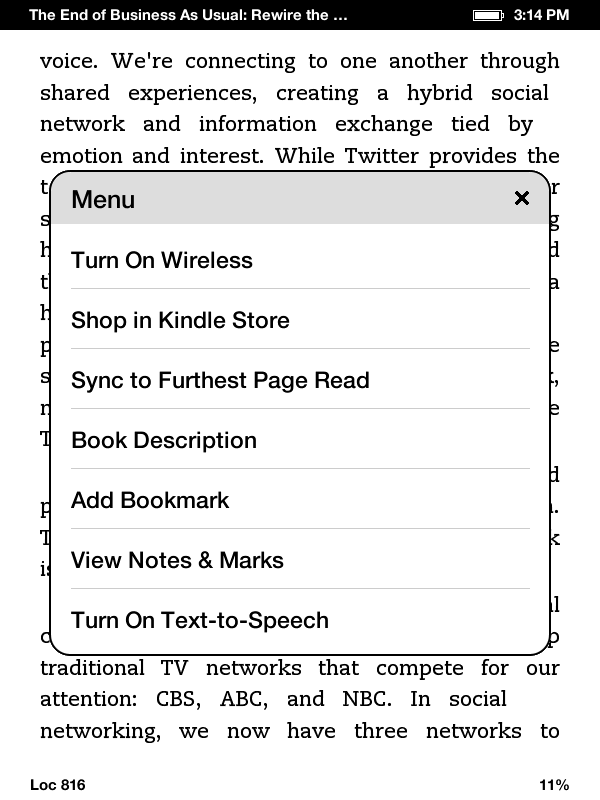
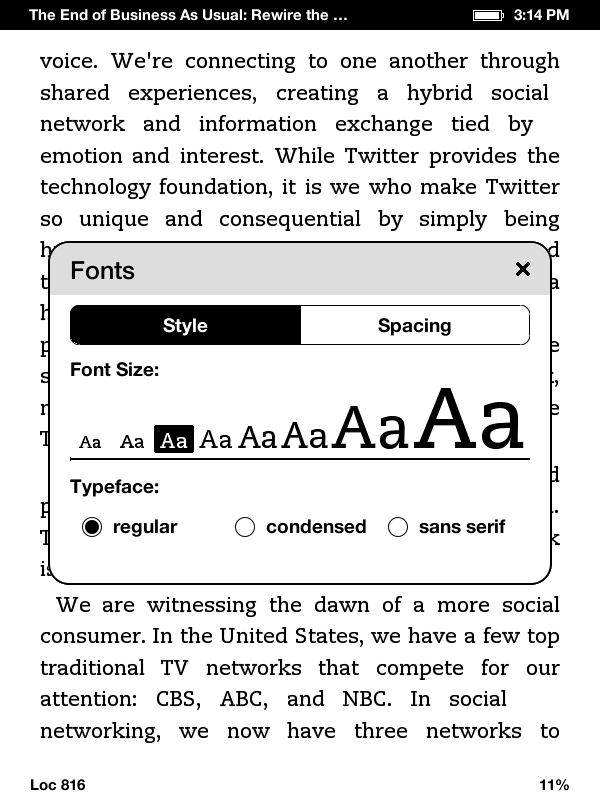
One thing I note from this latest Kindle is the menu options will change depends on what you’re doing – for example, the menu in the main homepage is different with the one while you’re reading and in the Settings screen. Anyway, first few things you need to do after you receive your Kindle Touch:

  1. From the home screen (the book list screen), press the Menu button in upper right, and turn on the Wi-Fi (“Turn On Wireless” option). If needed, in the same menu, select “Settings” and use the “Wi-Fi Networks” option to connect to the right Wi-Fi Access point.
  2. Then register your Kindle with the “Registration” option in the “Settings” screen.
  3. Set the password of the device, the time and personal information with the “Device Options” in the “Settings” screen.
  4. You can also set the social network through the “Reading Options”
  5. Once connected, and registered, go back to the home screen and you shall be able to download all the books to the new Kindle one by one.

I also tried the Kindle Shop (the shopping cart icon on top) and bought my first ebook for the new Kindle Touch – Likeable Social Media: How to Delight Your Customers, Create an Irresistible Brand, and Be Generally Amazing on Facebook (& Other Social Networks)

Lastly, in case you want to take some screenshots of Kindle like what I did for this blog post, all you need to do is to hold the home button for a while and then tap the screen. The screenshot in GIF format will be stored in the root directory of the Kindle where you can copy to your PC once connected via the USB cable. Hope it helps.

Enjoy !!

Third annual report of a tiny, little blog

I started the annual reporting of this tiny blog since 2009, and I found it is a very good way to tell how the blog compare to previous year. The first thing I found is I blogged a lot less in year 2011, in fact I posted only half as many posts as in year 2010. And therefore, the blog also sold only 76 various models of Kindles (33% less compare to previous year).

As usual, people bought many other stuff from Amazon thru the site, for examples:

However, the most funny products sold in the last 12 months, definitely belonged to that pair of Freudian slipper and naked coconut water


Same time next year, another annual report is waiting for you.

Shades of grey

I like black and white pictures. A lot.

But I am not exactly know why, may be it’s like what the famous writer Stefan Kanfer writes – “There’s something strange and powerful about black-and-white imagery.“. Or may be just because I am now old enough, and the world is no longer colorful.

“Shades of grey wherever I go
The more I find out the less that I know
Black and white is how it should be
But shades of grey are the colors I see.”

Billy Joel

Unlike others, I don’t take photos in color mode and then process those to black & white with retouching software. (Yes, I switched to digital photography for quite some years) Instead, I toggle on the black & white mode with my camera (e.g. Olympus E-5, E-P3), and just take the photo as is. Many times, I used the “grainy” mode to add some textures to the photo as well.

So, what’s your story of taking black and white photos ?